Why Tax Practices Can’t Afford to Ignore IT Planning
Reactive IT management exposes tax firms to data breaches, compliance penalties, and lost productivity that can cost more than an entire tax season’s revenue. Proactive IT planning is the foundation of a modern, profitable practice — it protects client data, ensures regulatory compliance, and automates workflows to position your firm for growth. Waiting until a server crashes on April 14th or ransomware locks your files is too late.
Tax practices in Houston, Sugarland, Katy, and Conroe face the same threat landscape as Fortune 500 companies but with higher stakes per client relationship. The cost of inaction is clear:
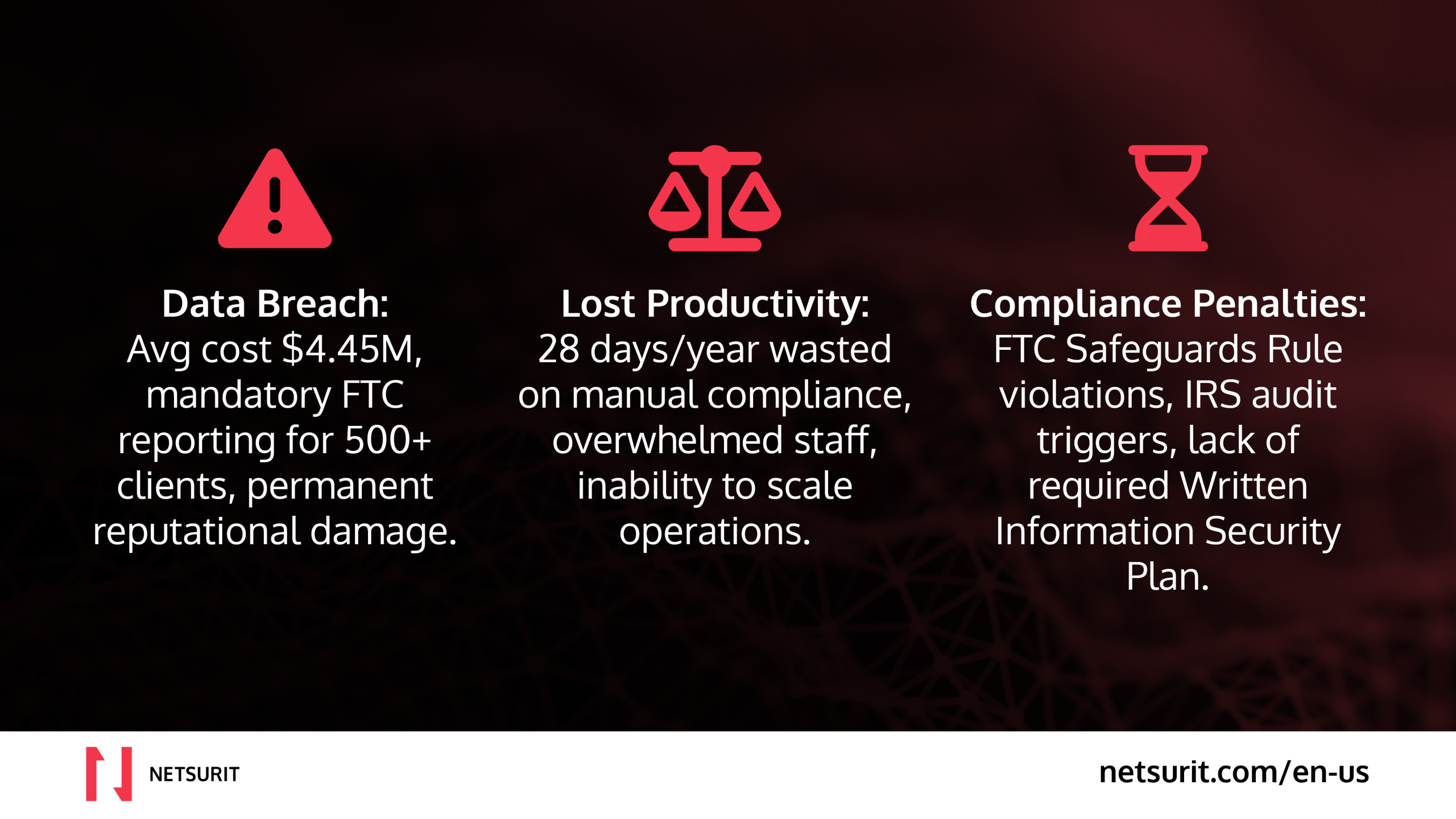
- Data Breaches: The average cost is $4.45 million, with mandatory FTC reporting for incidents affecting 500+ clients.
- Compliance Penalties: The IRS and FTC require written security plans; non-compliance invites audits and fines.
- Lost Productivity: Manual processes consume valuable time that could be spent on billable advisory work.
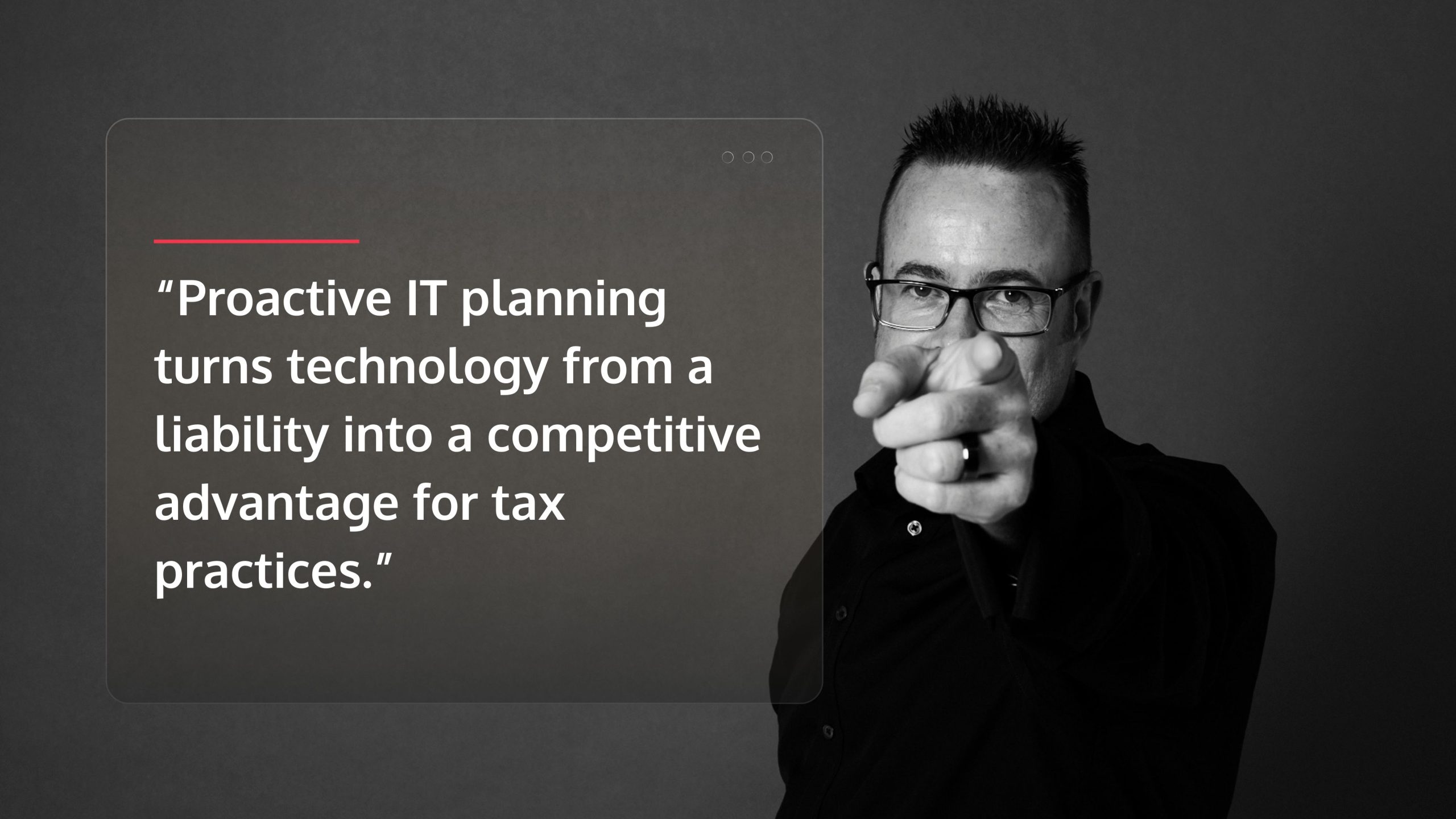
This isn’t about buying trendy software. It’s about building a resilient practice that protects clients, satisfies regulators, and frees your team to deliver high-value services instead of fighting fires. Proactive IT planning transforms technology from a cost center into a competitive advantage.
I’m Orrin Klopper, CEO of Netsurit. For 29 years, my team and I have helped hundreds of firms, including dozens of tax practices, modernize their IT to meet compliance mandates and scale securely. We know the cost of getting it wrong isn’t just money—it’s your reputation and your clients’ financial security. This guide details seven areas where a specialized IT partner makes the difference, with real examples from Houston-area firms.
Do #1: Fortify Your Data Security & Compliance Posture
When a tax practice in Katy loses client files to ransomware, it’s a practice-ending event. One breach can trigger identity theft for hundreds of clients, mandatory FTC reporting, and reputational damage that empties your client roster. This is why you must fortify your security posture before an incident occurs.
Under the Gramm-Leach-Bliley Act (GLBA), every professional tax preparer is a financial institution. This means you are legally required to maintain a Written Information Security Plan (WISP) that outlines how you protect client data. The FTC Safeguards Rule and IRS Publication 5708 detail these requirements, which include designating a security coordinator, assessing risks, and testing safeguards. Failure to comply is a direct invitation for audits and penalties.
Layered security is essential. This includes:
- Data Encryption: Protects information at rest on servers and in transit over networks.
- Access Controls: Limits who can view or modify sensitive files based on their role.
- Multi-Factor Authentication (MFA): Requires a second form of verification for all system logins, stopping 99.9% of automated cyberattacks.
Implementing MFA for a mid-sized Sugarland practice can take one afternoon and costs less than $500 annually, yet it provides a powerful defense against compromised passwords. However, compliance checklists and technical tools alone are not enough. Our Cyber Security Consulting services help firms build defense-in-depth strategies that integrate people, processes, and technology, because a single employee clicking a malicious link can bypass the strongest firewall. For more on the legal frameworks, see The Importance of Cybersecurity Compliance.
Trade-offs & Mitigations
- Works best when: Security is layered and integrated across your entire operation — not a single firewall or antivirus product. Effective protection combines technical controls, employee training, and documented procedures.
- Avoid when: You’re implementing policies that cripple productivity. For example, forcing password changes every 30 days encourages predictable patterns that are easily cracked.
- Risks: Overly complex security creates staff workarounds that introduce new vulnerabilities, like writing passwords on sticky notes.
- Mitigations: Balance security with usability. Provide regular Cyber Security Training Benefits so employees understand the “why” behind each control, turning them into a line of defense rather than a liability.
Do #2: Automate Workflows for Peak Efficiency & Accuracy
Manual processes in a tax practice lead to errors, wasted hours, and client frustration. When your team is manually keying in data at 11 PM on April 14th, it’s too late to build the efficient systems you needed months ago. Automation is the solution.
A mid-sized tax practice in Katy, for example, spent 18 hours per week tracking down client documents. After implementing a client portal integrated with their document management system (DMS), that time dropped to two hours. This freed senior accountants to focus on high-value tax planning instead of administrative work.
Modern automation tools can transform your practice:
- Document Management Systems (DMS): Centralize client files and use optical character recognition (OCR) to automatically extract data from scanned documents, eliminating misplaced papers.
- Robotic Process Automation (RPA) and AI: Handle repetitive tasks like data entry and report generation. A Conroe practice reduced data entry time by 62% using AI to extract figures from receipts and bank statements.
- Client Communication Portals: Provide a secure, centralized place for clients to upload documents and check status, ending the endless email chains that clog your inbox.
Relying on manual workflows creates bottlenecks, invites burnout during tax season, and delivers an inconsistent client experience. Every hour your team spends on administrative tasks is an hour you can’t bill for strategic advisory services. We explore these strategies in our On Demand Webinar: AI in Finance, showing how firms have cut their compliance burden significantly.
Do #3: Build a Scalable, Cloud-Based Infrastructure
The traditional image of a tax practice might involve on-premise servers humming in a back room, but for a modern firm in Katy or Conroe, that’s a recipe for disaster. A cloud-based infrastructure offers the flexibility, resilience, and scalability needed to steer tax season and support remote work. It moves your data and applications to secure, remote data centers, allowing your team to work from anywhere, anytime.
Consider a Katy firm that lost six billable hours during a power outage because their on-premise server went down. A cloud-based practice would have continued working without interruption. Disaster recovery and business continuity are inherent benefits of the cloud, protecting you from hardware failure, ransomware, or natural disasters common in the Houston area. Cloud-based SaaS tax applications also handle updates and security patches automatically, ensuring you’re always on the latest, most secure version.
The scalability of the cloud is crucial. You can increase computing resources during tax season and scale back down afterward, paying only for what you use. This agile approach is a cornerstone of Digital Finance Transformation.
Justifying the ROI of Cloud Investments
The return on investment for the cloud becomes clear when you consider the total cost of ownership:
- Reduced Capital Expenditure: Cloud services replace large, upfront hardware costs with a predictable, subscription-based operational expense.
- Lower Maintenance Costs: The provider handles infrastructure maintenance, patching, and security, reducing the need for in-house IT staff.
- Improved Productivity: Anytime, anywhere access enables flexible work and ensures business continuity. Our Productivity Assessment can help quantify these gains.
- Risk Mitigation: Built-in disaster recovery and robust security drastically reduce the risk of data loss and downtime, the cost of which far exceeds the investment in cloud services.
Do #4: Use IT to Shift from Compliance to Advisory Services
A modern tax practice uses technology to spot opportunities, model scenarios, and deliver strategic advice that software alone cannot. When tax laws change, firms with the right systems can analyze the impact and communicate value to clients before competitors have even finished reading the new regulations.
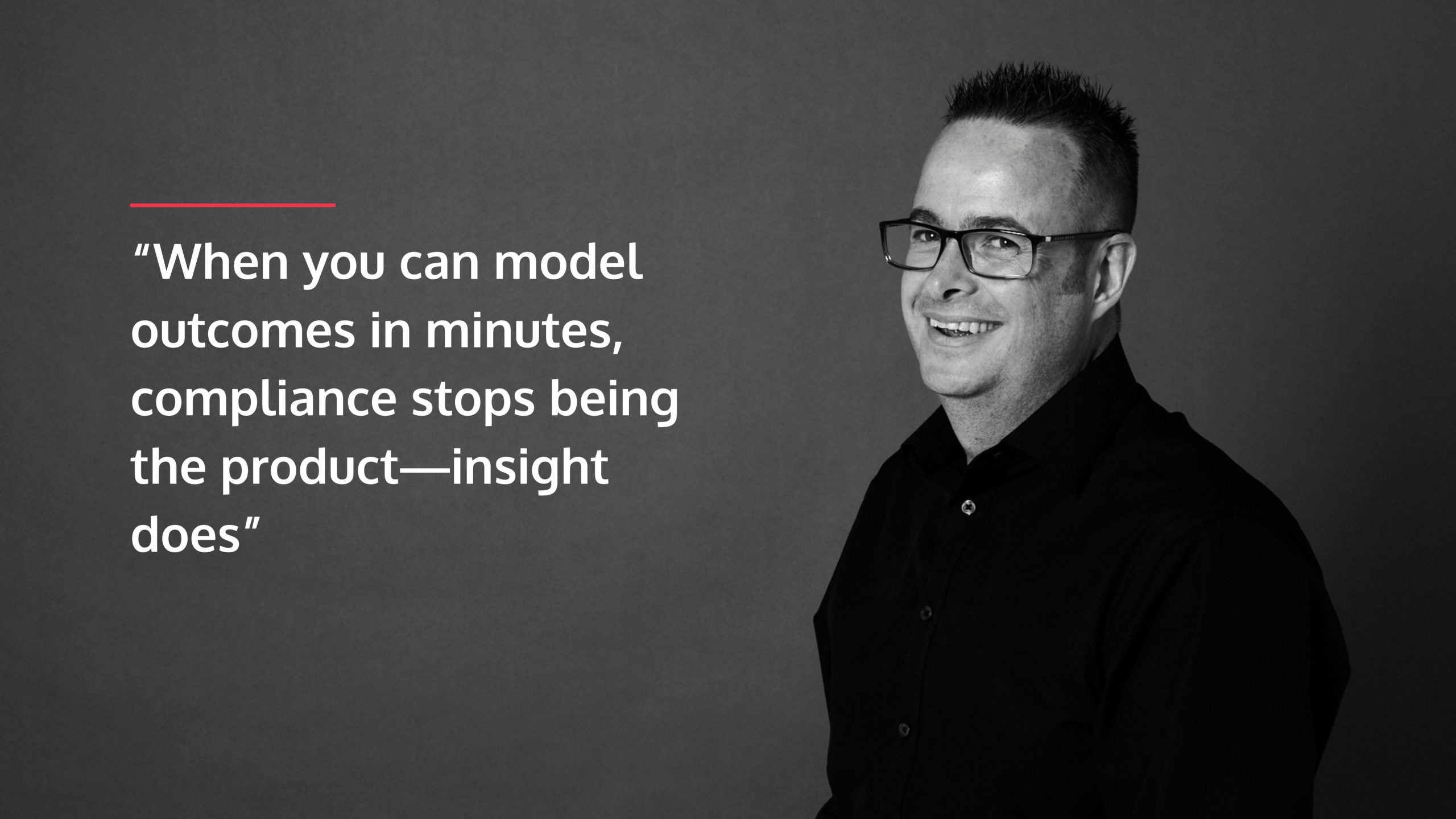
For example, after the Tax Cuts and Jobs Act introduced complex new depreciation rules, firms with integrated tax planning software could model multiple scenarios in minutes. They could show a manufacturing client in Conroe the precise impact of different equipment purchase timelines, turning a compliance task into a strategic conversation. This shift from reactive compliance to proactive advice is what separates growing firms from stagnant ones.
Our IT Strategy Services help align your technology with your business goals, turning IT into an engine for growth.
How Proactive IT Helps Maximize Client Tax Savings
- Data Mining: Advanced systems scan thousands of transactions to uncover hidden deductions and credits that manual reviews often miss.
- Scenario Modeling: Turn tax planning into a visual conversation by showing clients exact tax liability projections for different financial decisions, such as comparing Section 179 expensing to bonus depreciation.
- Systematic Law Change Analysis: When new legislation passes, integrated systems can automatically flag affected clients, enabling proactive communication.
- Demonstrating Value: By showing a client how your analysis saved them thousands, you justify premium fees and build long-term loyalty.
Do #5: Conduct Regular IT Audits & Risk Assessments
Waiting for a server to crash or a security breach to happen costs far more than preventing these disasters. Regular IT audits and risk assessments shift your practice from reactive firefighting to proactive protection. These ongoing processes identify vulnerabilities before they become breaches and verify compliance before auditors arrive.
During an assessment, we examine every layer of your infrastructure, from system performance to vendor security. For example, a tax firm in Sugarland finded during a routine audit that its backup system had been failing silently for six months; the quarterly check prevented a catastrophic data loss. An effective Cyber Security Implementation Plan must evolve with threats, and our IT Audits and Assessments help you systematically Uncover Hidden IT Infrastructure Risks Now.
Key Items in a Quarterly IT Health Check
- Backup and Recovery System Test: Don’t just verify that backups ran — test a full file restoration. A backup that can’t be restored is worthless.
- Security Patch and Update Status: Ensure all operating systems, software, and firmware have the latest security patches installed to close known vulnerabilities.
- User Access and Permission Review: Audit who has access to what. Immediately deactivate accounts for former employees, a common vector for breaches.
- Firewall and Network Security Scan: Identify and close open ports or misconfigurations in your network perimeter.
- Software License Compliance Check: Verify all licenses are current to avoid legal issues and ensure access to critical security updates.
Frequently Asked Questions about Proactive IT for Tax Practices
How much should a tax practice budget for IT?
Most tax practices should budget between 3% and 7% of annual revenue for IT. Alternatively, a per-user model for managed services often costs between $150–$250 per user per month. This converts unpredictable capital costs into a scalable operational expense. The key question isn’t the cost of proactive IT, but the cost of a single incident — a data breach can easily exceed $200,000 for a small business.
Can a small tax practice really afford a robust IT strategy?
Yes. Partnering with a Managed IT Services Provider (MSP) gives a small firm in Conroe access to an entire enterprise-grade IT department for a fraction of the cost of an $80,000+ in-house hire. Given that the FTC Safeguards Rule and IRS security mandates apply to all tax preparers regardless of size, a robust IT strategy is not optional — it’s a cost of doing business.
What’s the single biggest IT mistake a tax firm can make?
Neglecting regular, tested data backups. A ransomware attack can permanently destroy your client data if your backups are untested or corrupted. Without data, you have no practice.
Other critical mistakes include:
- Underinvesting in employee security training. Human error is the leading cause of breaches. Your team is your first line of defense, and they need training, as detailed in our guide to Cyber Security Training Benefits.
- Assuming compliance is automatic. Installing software doesn’t satisfy FTC or IRS requirements for a Written Information Security Plan and documented risk assessments.
Conclusion: Stop Reacting and Start Building a Resilient Practice
The question of why tax practices should think about IT before problems happen isn’t rhetorical — it’s the difference between a firm that survives disruption and one that collapses under it. Proactive IT is the foundation that allows you to serve clients, protect their data, and grow a profitable practice. It’s about building resilience, not just buying technology.
For tax practices in Houston, Sugarland, Katy, and Conroe, the stakes are high. A single data breach or a week of downtime during tax season can be devastating. The firms that succeed are those that make IT a strategic priority before a crisis forces their hand.
At Netsurit, we partner with accounting firms to transform IT from a reactive cost center into a competitive advantage. We provide the managed IT, cybersecurity, and AI solutions that build business momentum. Don’t wait for a disaster. Explore our specialized Accounting Firm IT Services and let’s build the resilient practice your clients and team deserve.